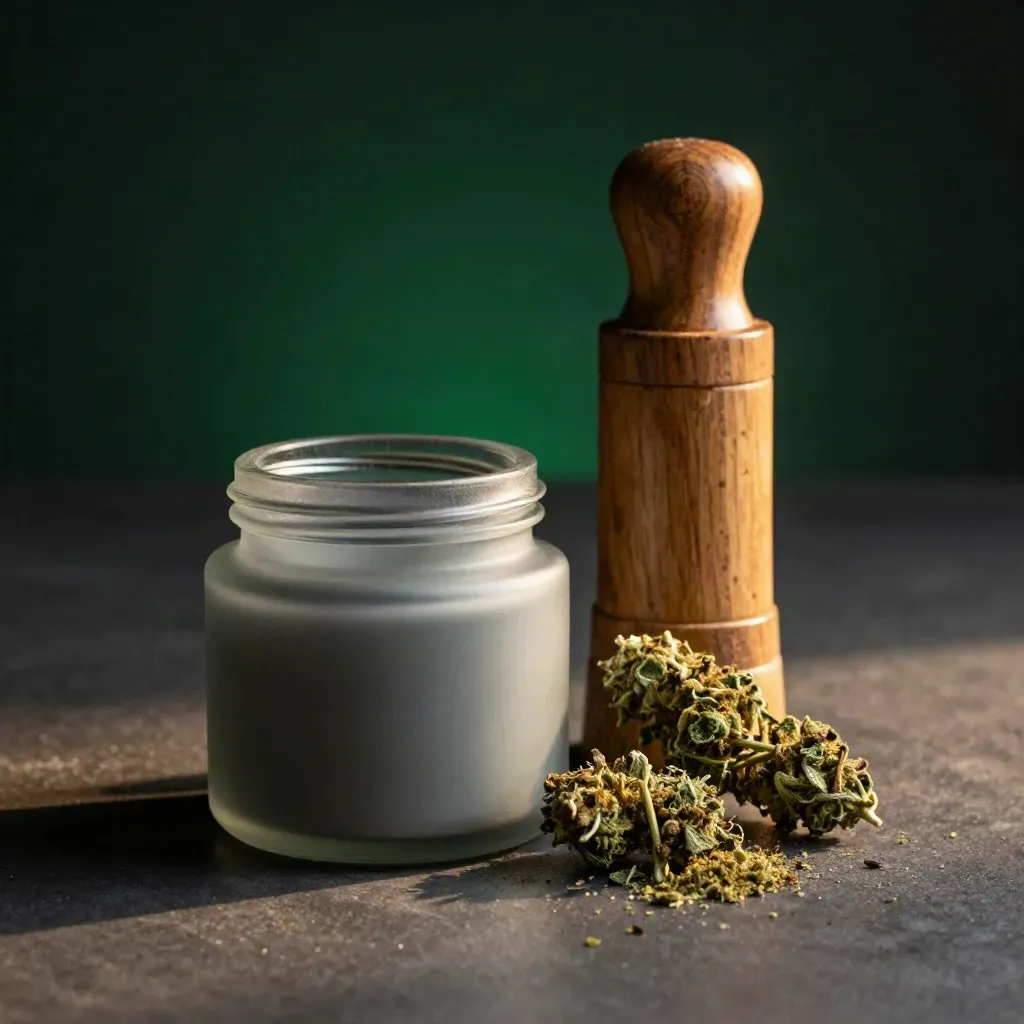
Save $10Indoor, 3.5g
Sour Diesel Flower 3.5g
$38.00
$48.00
DAILY BALANCE
Shop flower, gummies, tinctures, and topicals made for adults who want calm days, easier nights, and steady daily use.
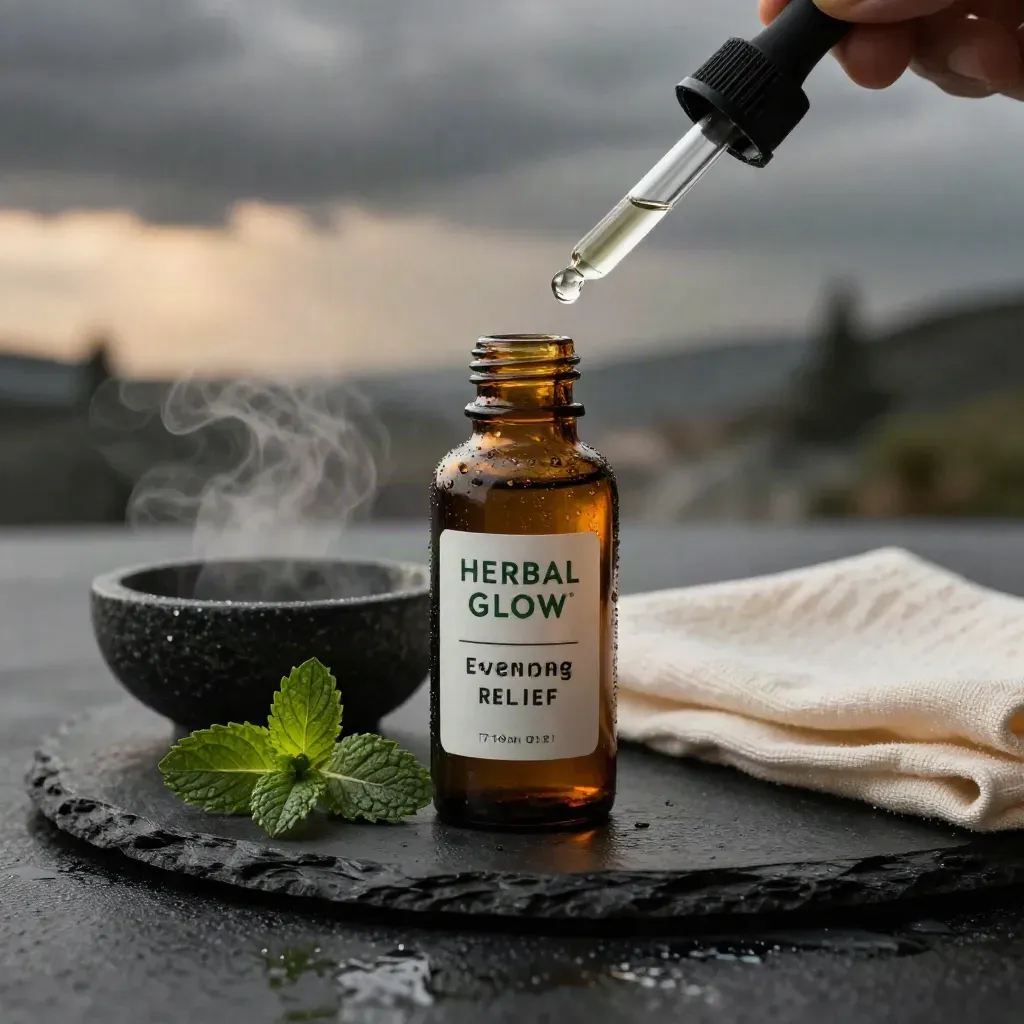
BEST SELLERS
Lead with the products customers compare first: clear names, real benefits, prices, badges, and fast links to buy.
$38.00
$48.00
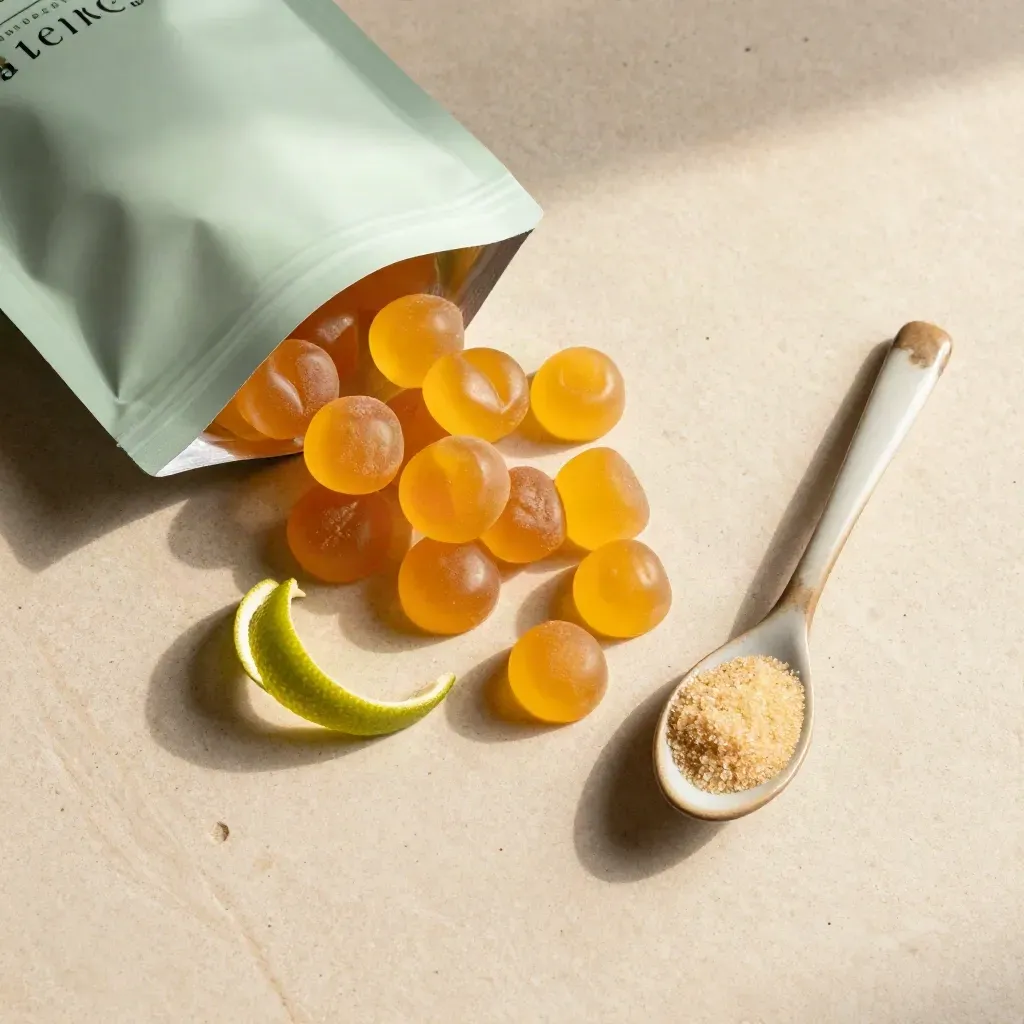
$28.00
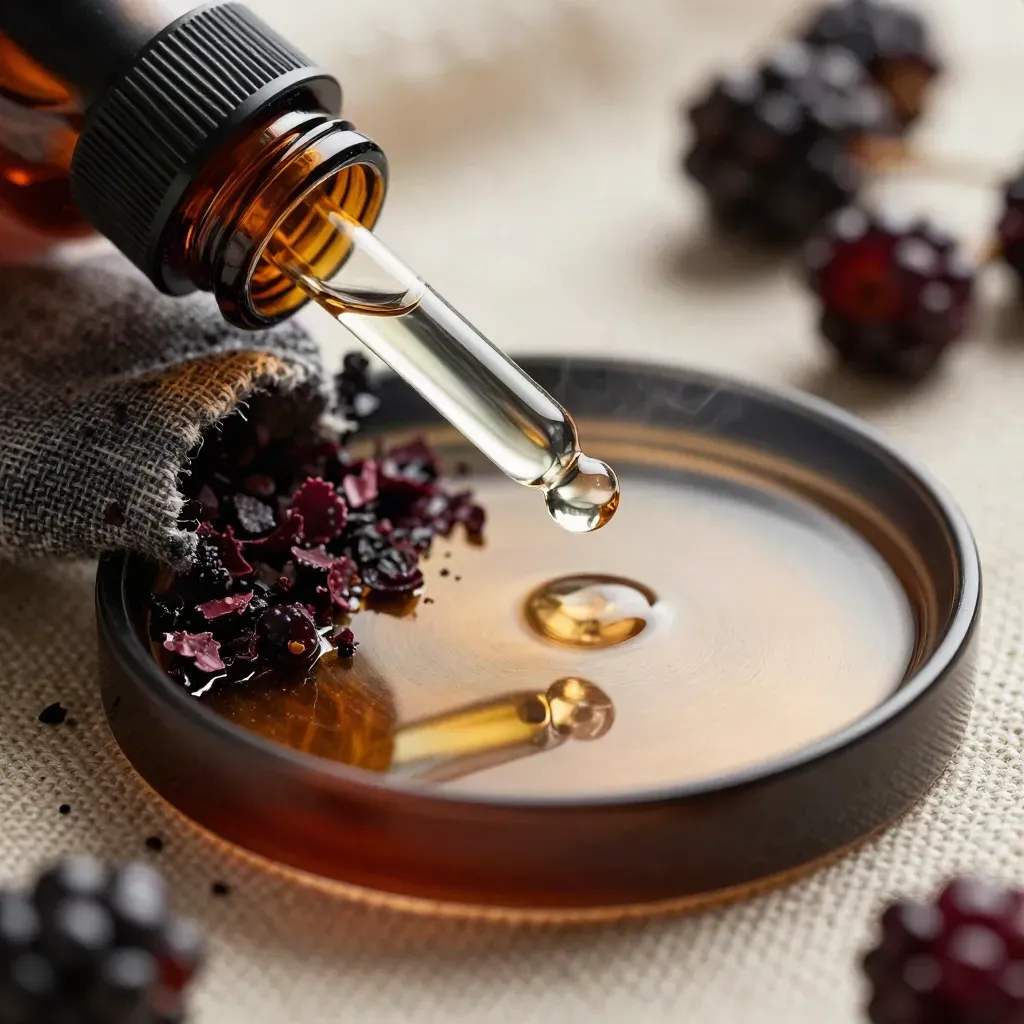
$34.00
$42.00
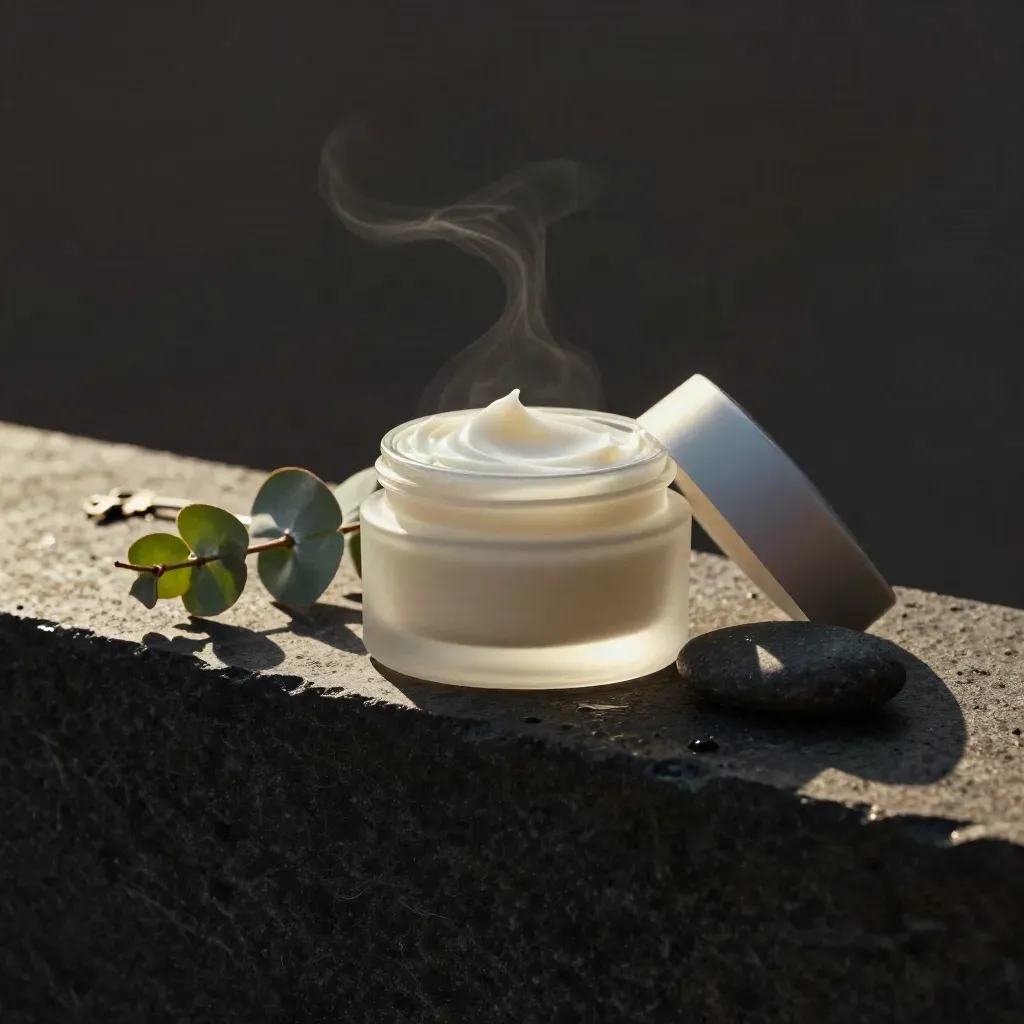
$26.00
$31.00
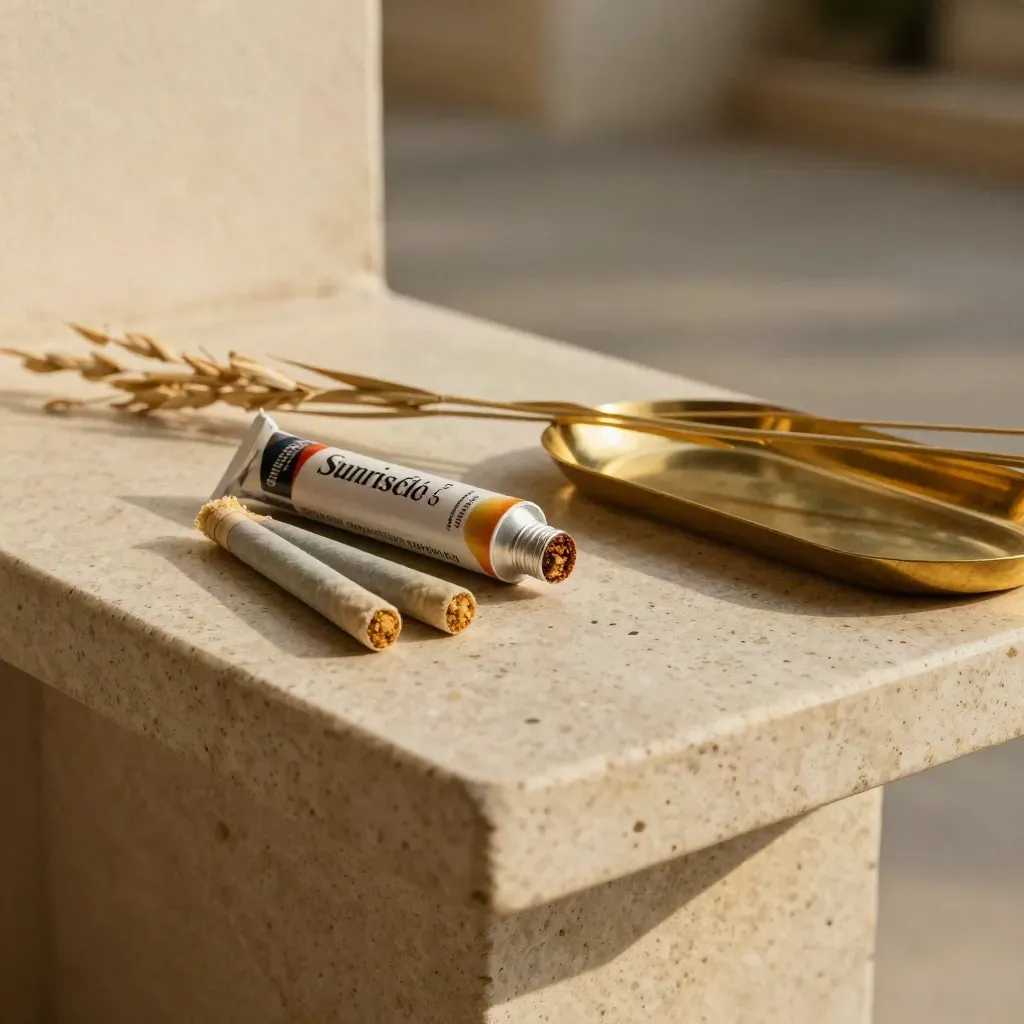
$22.00
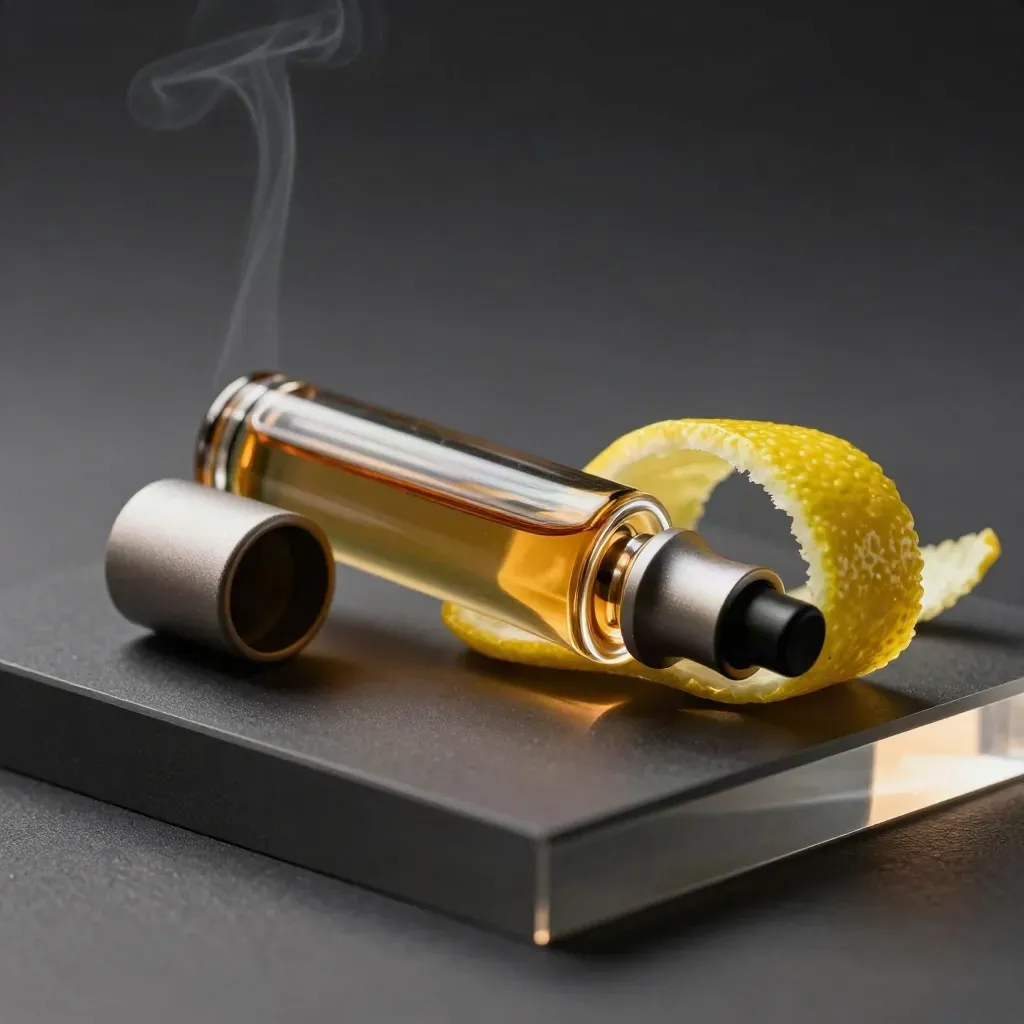
$45.00
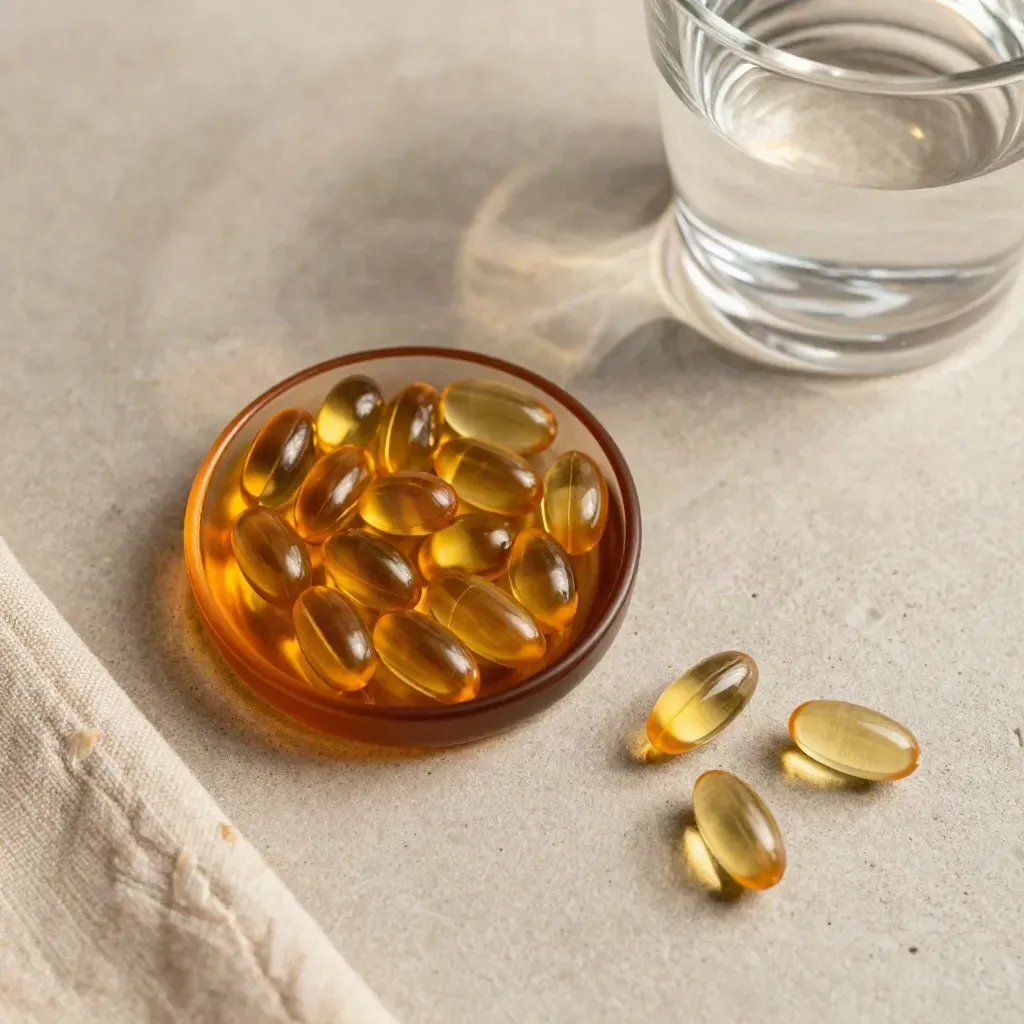
$32.00
$40.00
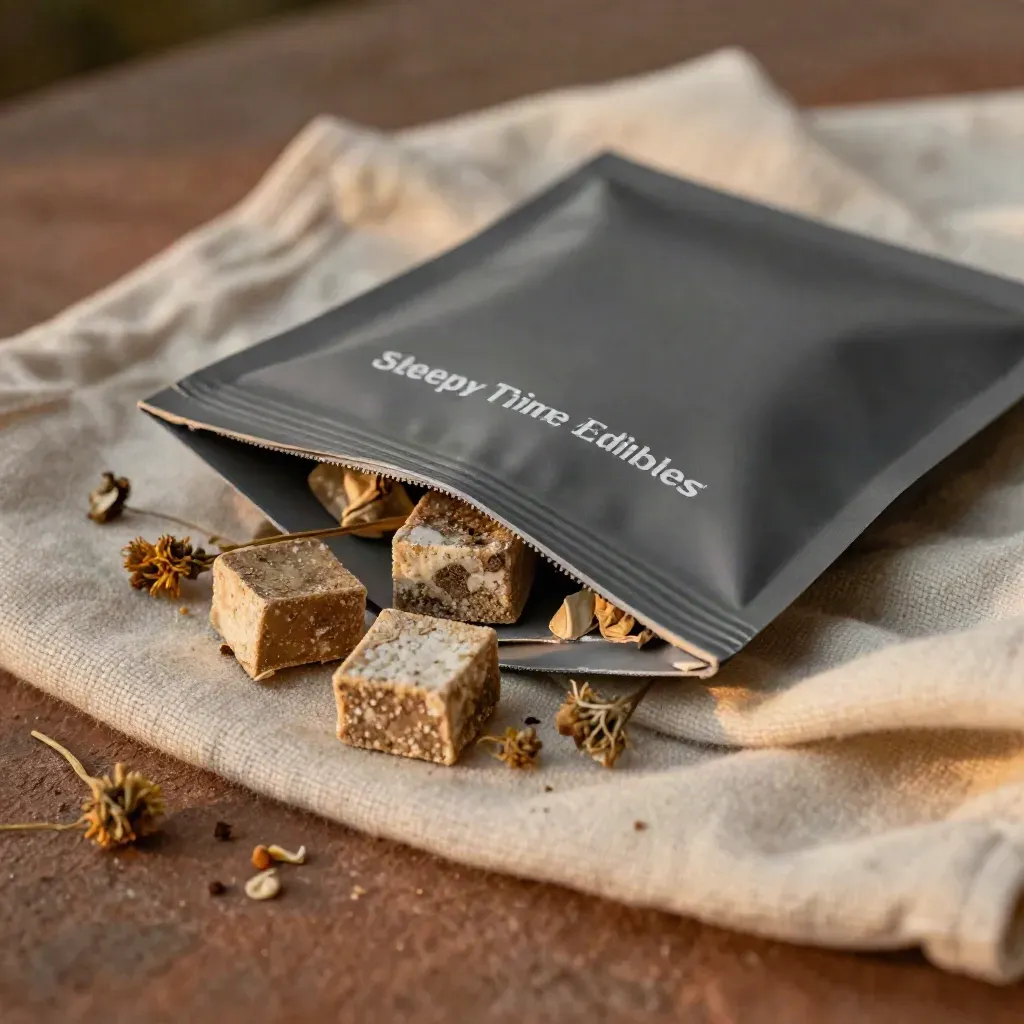
$30.00
Seasonal offer
Feature one bundle, collection, or gift guide with enough context to make the offer feel intentional.
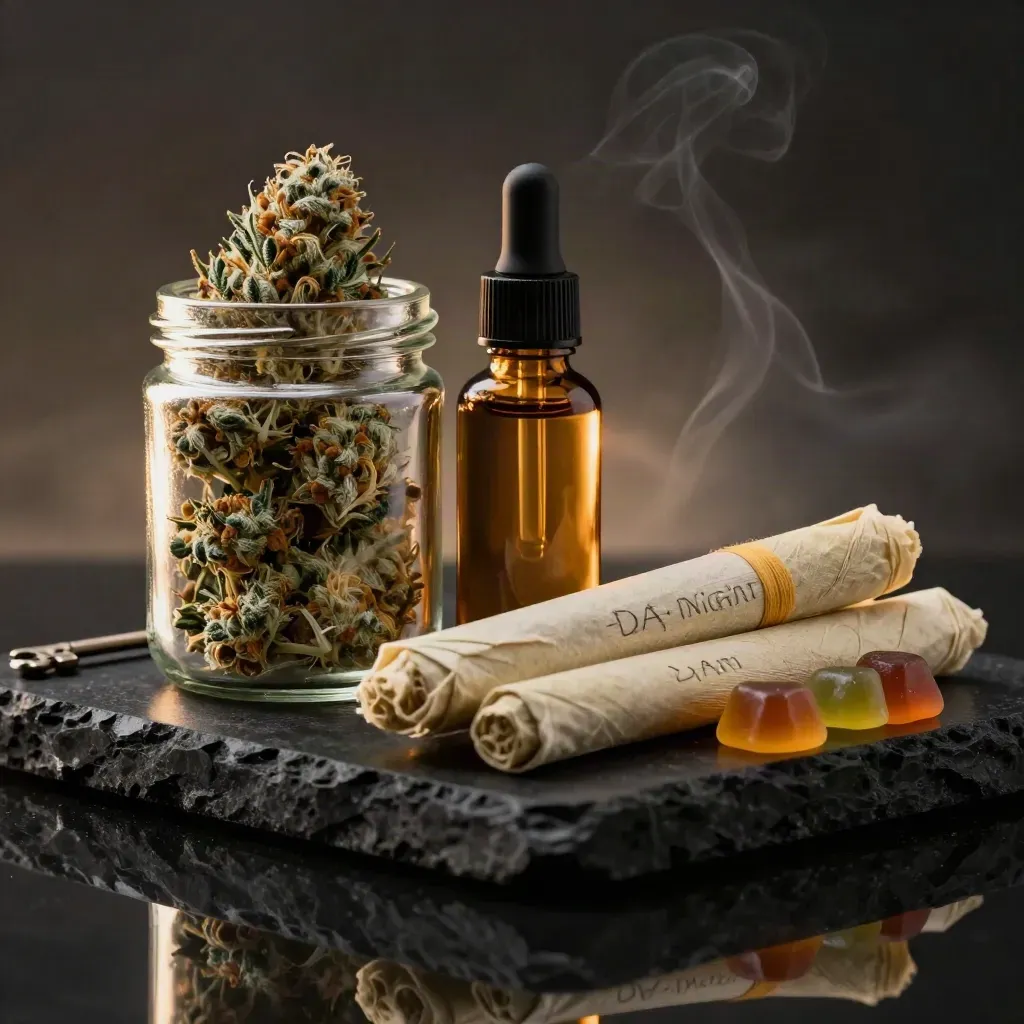
Pair flower, gummies, and a tincture for easy daily use.
$79.00
Featured offer

Social proof
Pair customer language with practical buying reassurance so shoppers can decide without hunting for policies.
“The tincture helps me wind down after work, and the dropper makes dose control easy each night.”
Maya R.
Verified buyer
“The gummies taste good and feel steady, so I keep them in my bag for long days and late nights.”
Jordan L.
Verified buyer
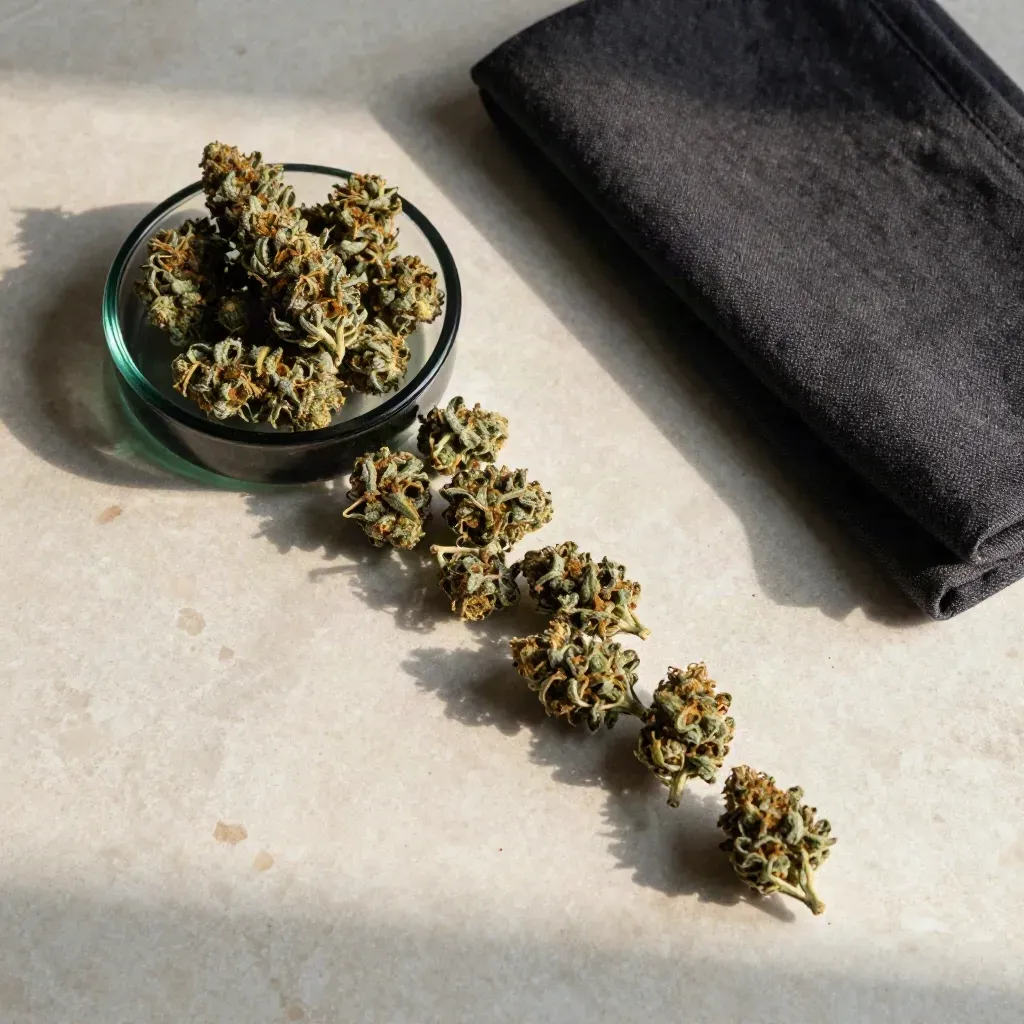
Complete the basket
$58.00
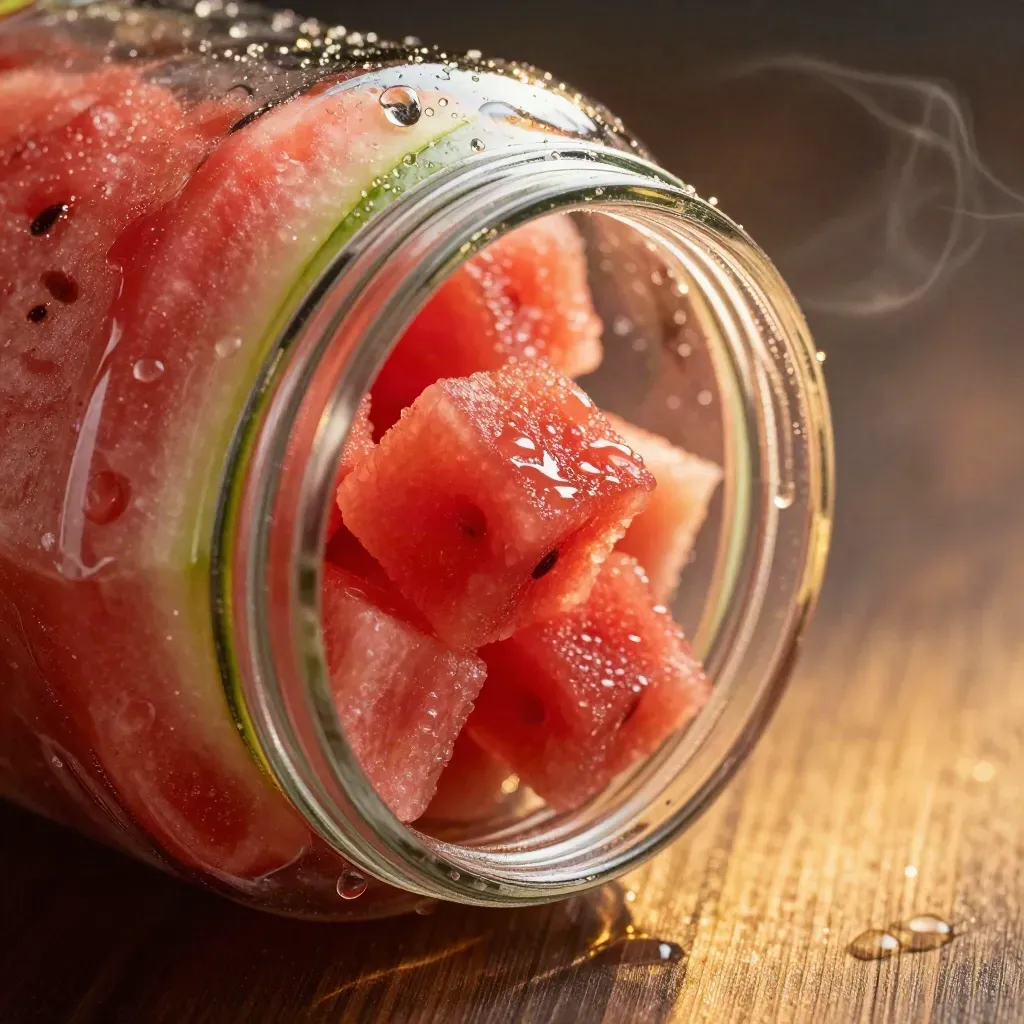
$36.00
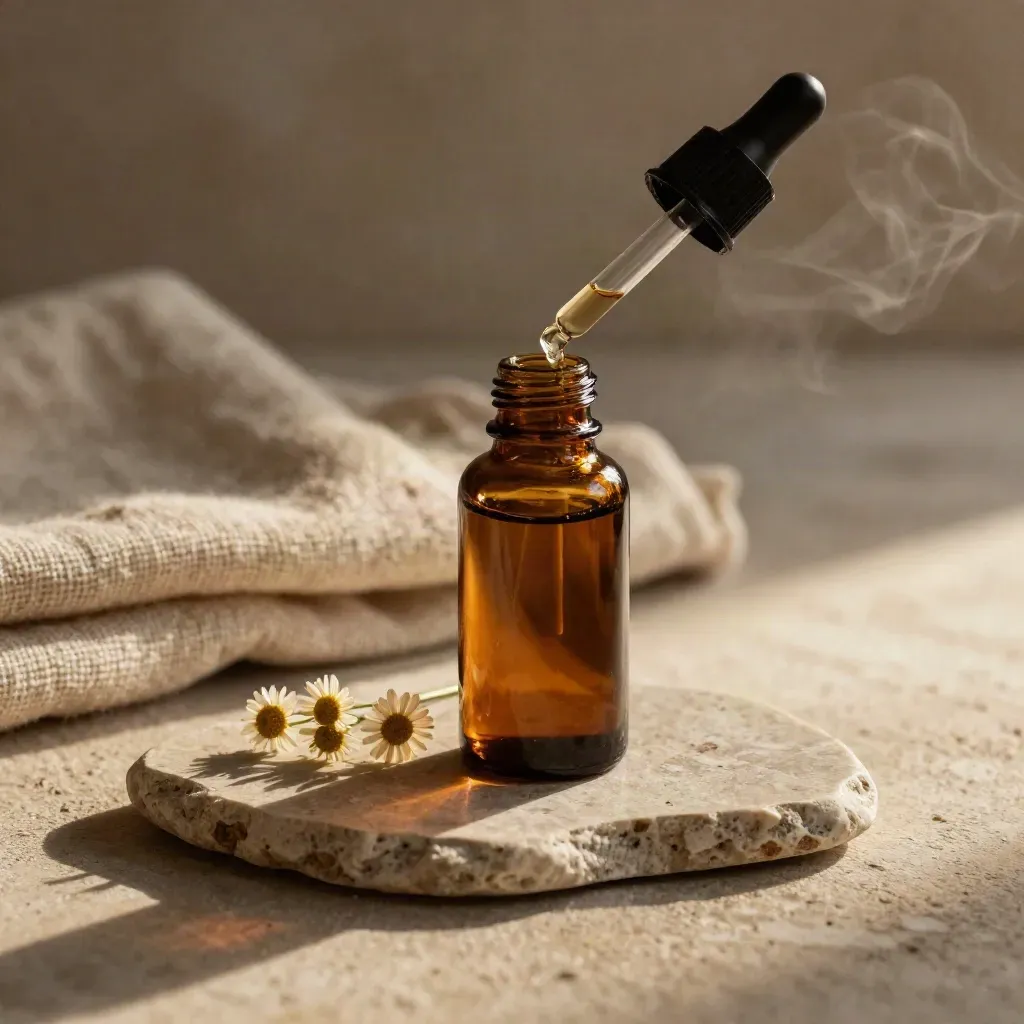
$44.00
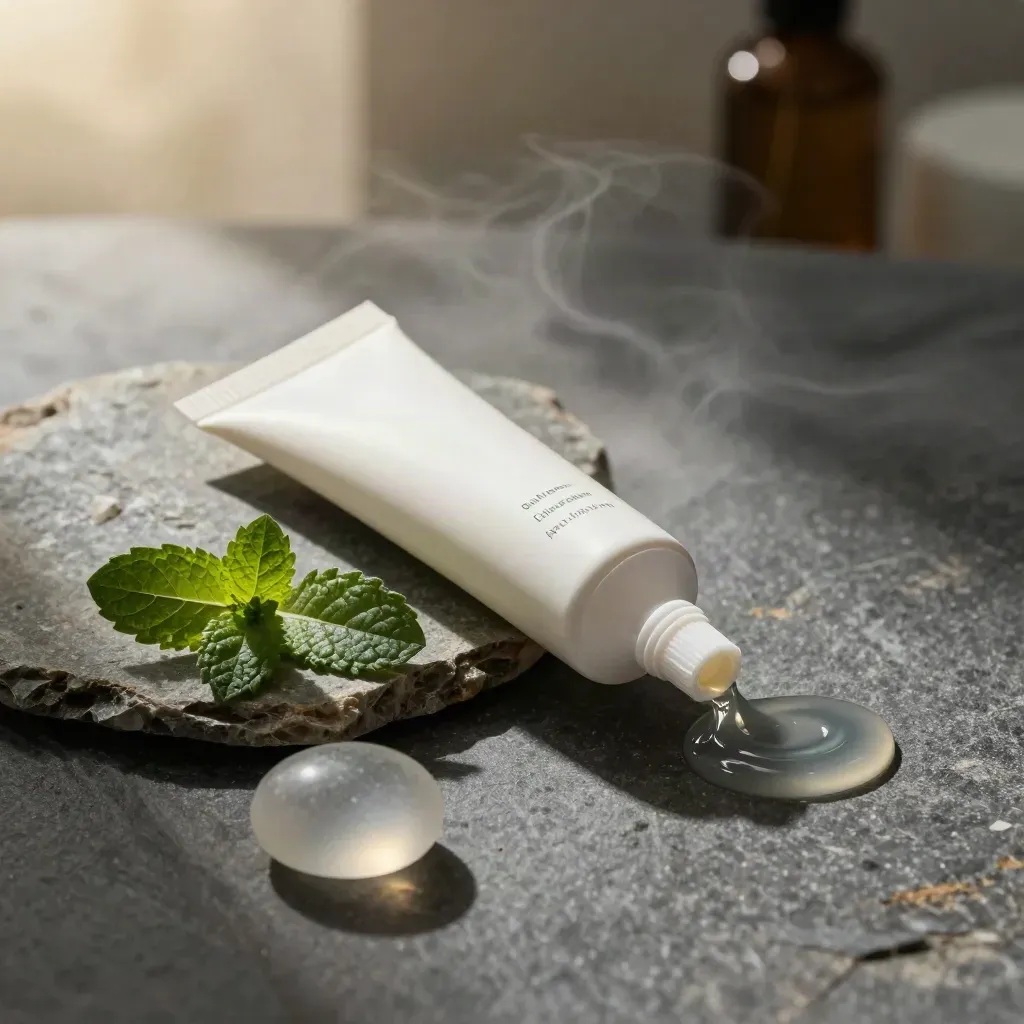
$24.00

$16.00
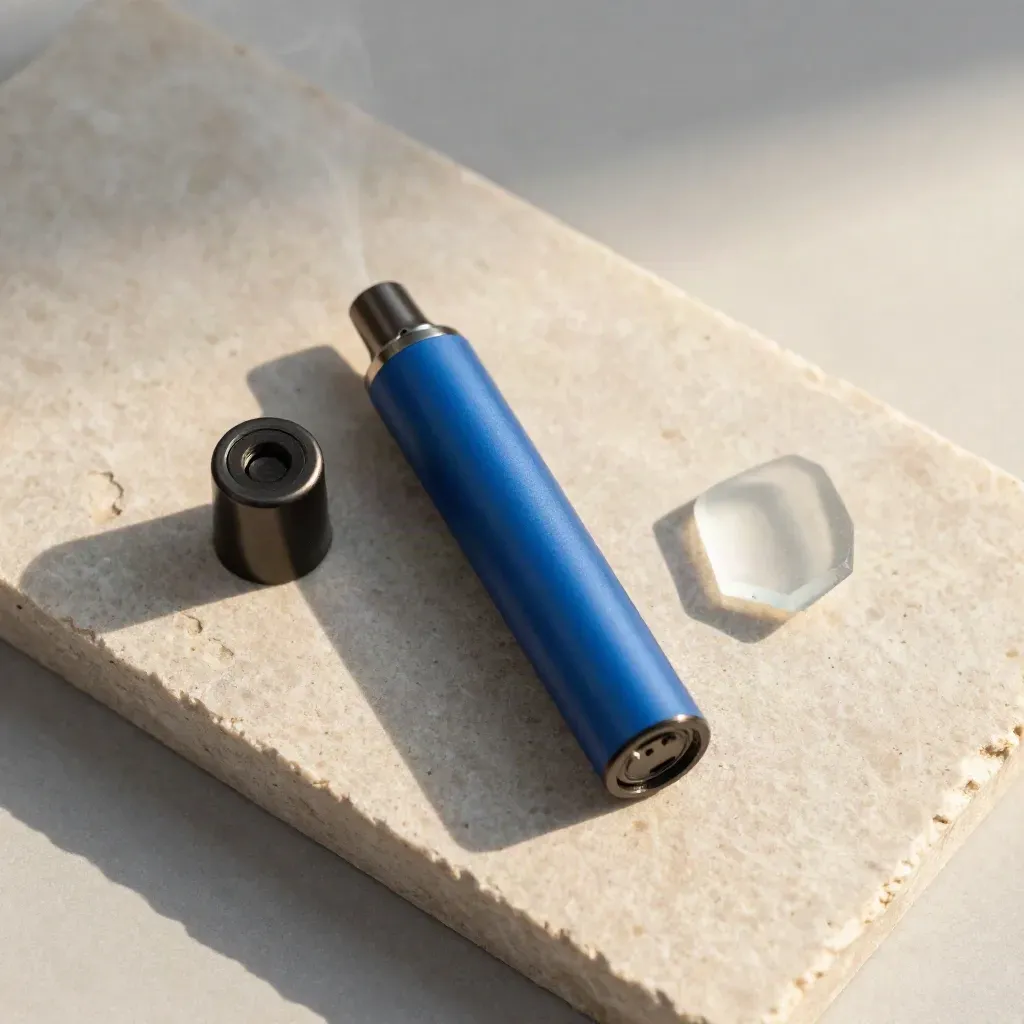
$42.00
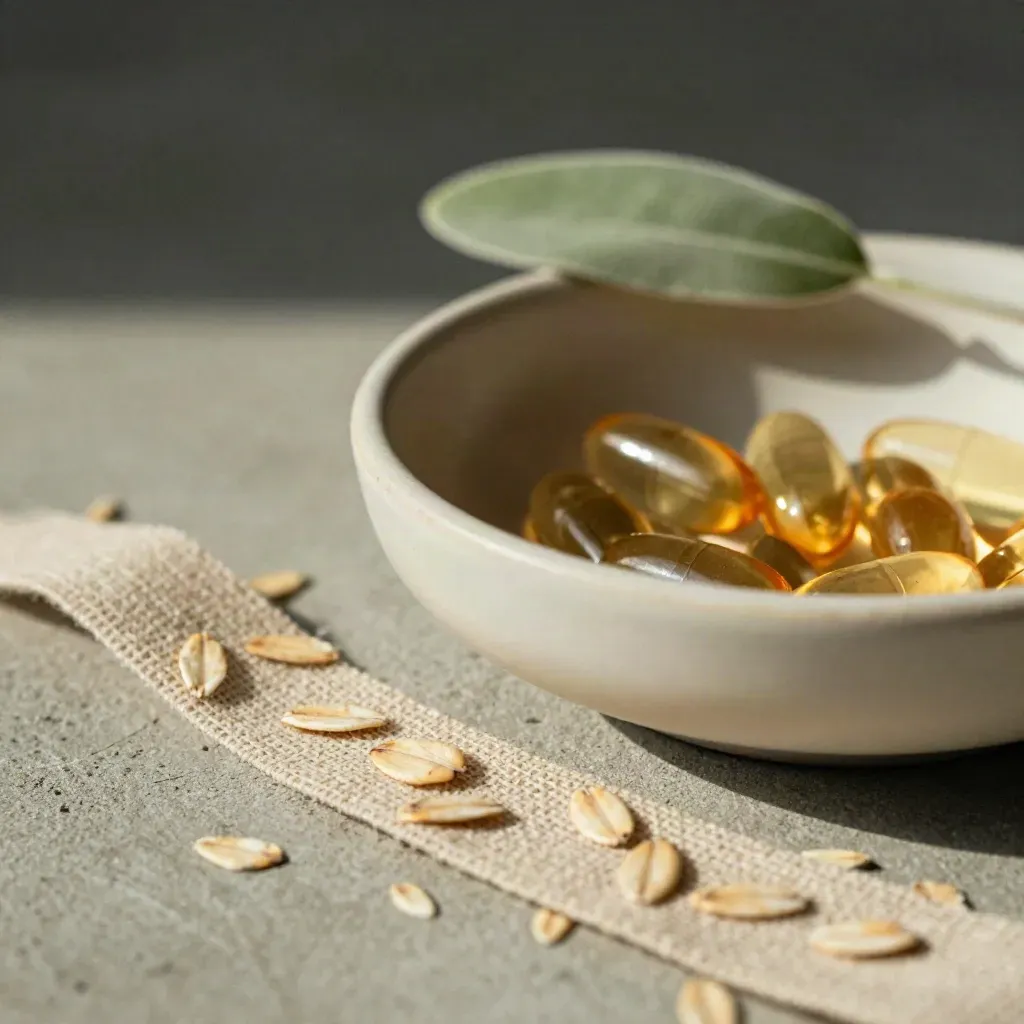
$29.00
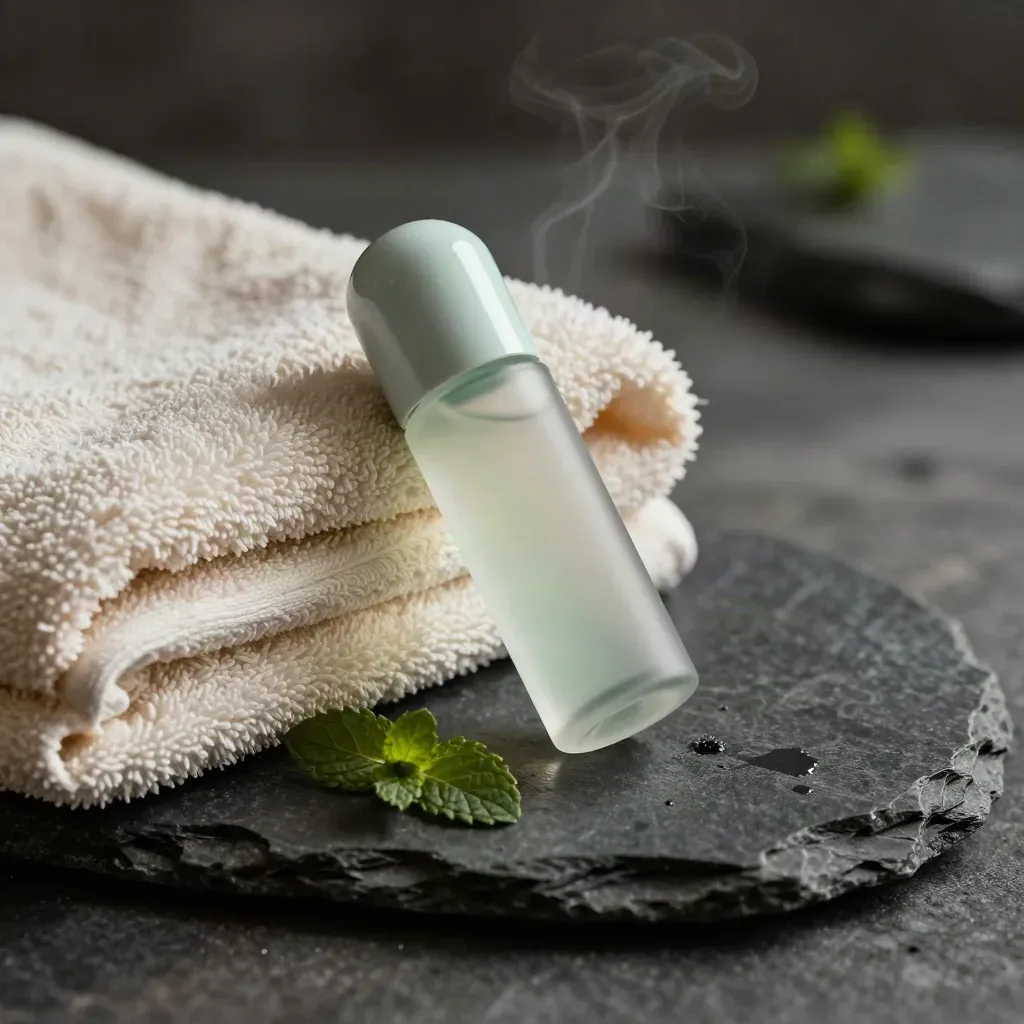
$21.00
Journal

Questions
Quick answers before visitors choose a product, service, or next step.
Yes. We sell to adults 21+ where local law allows, and we check age at checkout or pickup every time.
We carry flower, gummies, tinctures, topicals, pre-rolls, vape carts, and daily-use packs for home use.
Yes. We list lab results when available so you can check strength, ingredients, and batch details on each batch page.
Most orders leave on business days. You get a tracking email soon after the box ships, so you can plan ahead.
Many adults use small amounts each day. Start low, read the label, and stop if it feels too strong or off.
Yes. Our product notes and guides explain type, dose, and use in plain words before you buy, so you can pick with care.
Get new drops, simple tips, and deal notes once a week.